The 3 AM Realization
It was 3 AM on a Tuesday. I was staring at my laptop, exhausted, wondering where my day went.
I had a PhD deadline in two weeks. My startup needed a demo ready for investors. And somehow, despite working from 8 AM, I had made zero meaningful progress on either.
Where did 17 hours go?
I genuinely couldn't tell you. Slack? Probably. Email? Definitely some. "Quick" research rabbit holes? Almost certainly. But the honest answer was: I had no idea.
That night, I decided to build something to find out.
The Juggle Nobody Talks About
Let me back up. I'm Tamil, and I'm trying to do two impossible things at once: finish a PhD and build a startup.
Everyone told me to pick one. "Focus," they said. "You can't serve two masters."
But here's the thing—my research is my startup. I'm working on AI systems, and YNova (my company) is the practical application of what I study. They feed each other. In theory.
In practice? It's chaos.
Some days I'm a researcher, buried in papers and experiments. Other days I'm a founder, on calls with customers and writing code until midnight. Most days, I'm neither—just a guy drowning in context switches, pretending to do both while accomplishing little.
The guilt is the worst part. When I'm coding for the startup, I feel guilty about my PhD. When I'm reading papers, I feel guilty about the product backlog. When I'm on Twitter... well, I just feel guilty.
What Existing Tools Got Wrong
I tried everything:
- RescueTime: Told me I spent 4 hours in "Software Development." Great, but which project? Was it productive or was I just staring at VSCode?
- Toggl: Required me to manually start/stop timers. I'd forget within 30 minutes.
- Screen Time: Told me I used my phone too much. Thanks, I knew that.
None of them answered the real question: What did I actually accomplish today?
They tracked time, not work. They measured apps, not outcomes.
I needed something different.
Building ScreenMind
The irony isn't lost on me: I built a productivity app to avoid being unproductive.
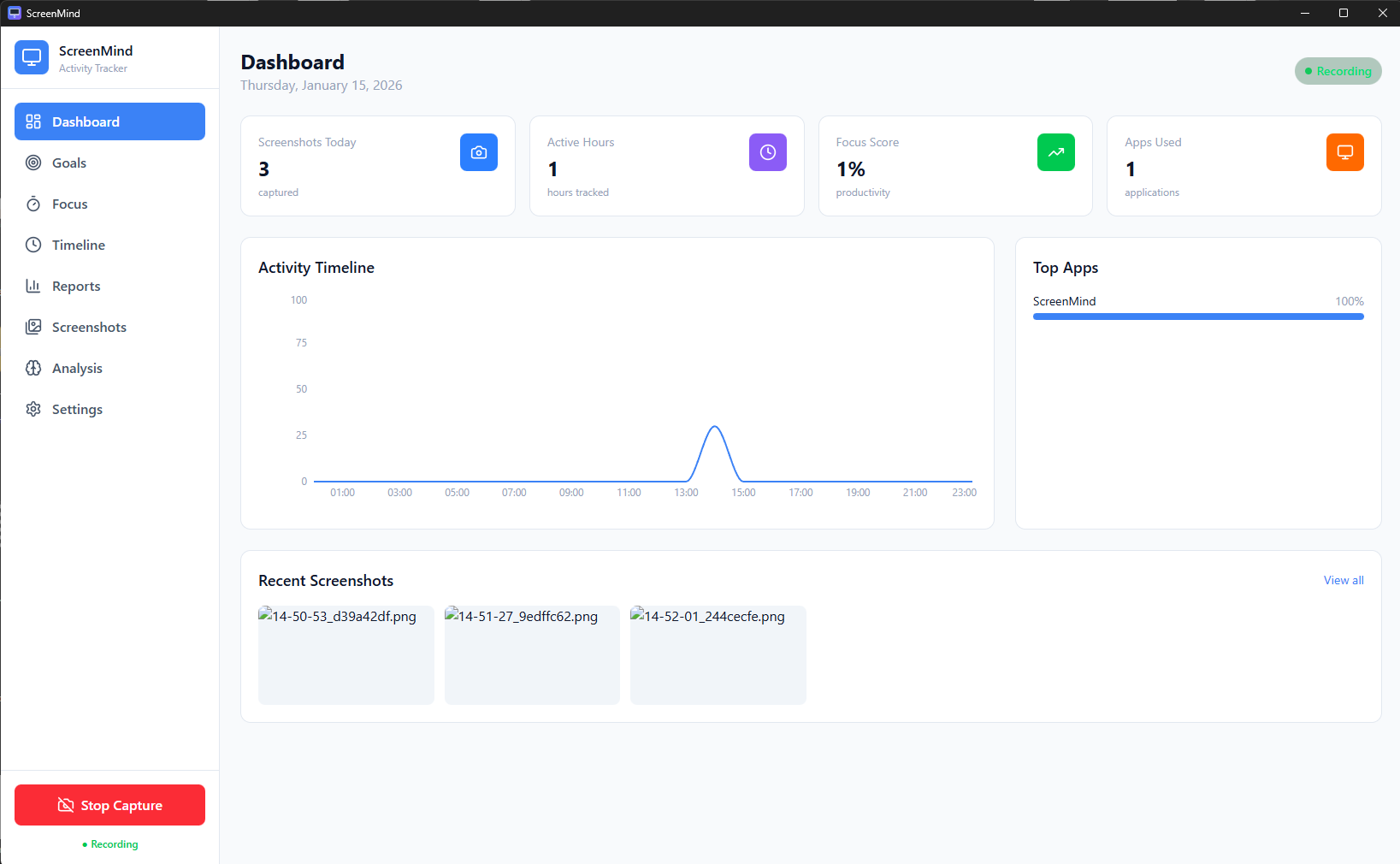
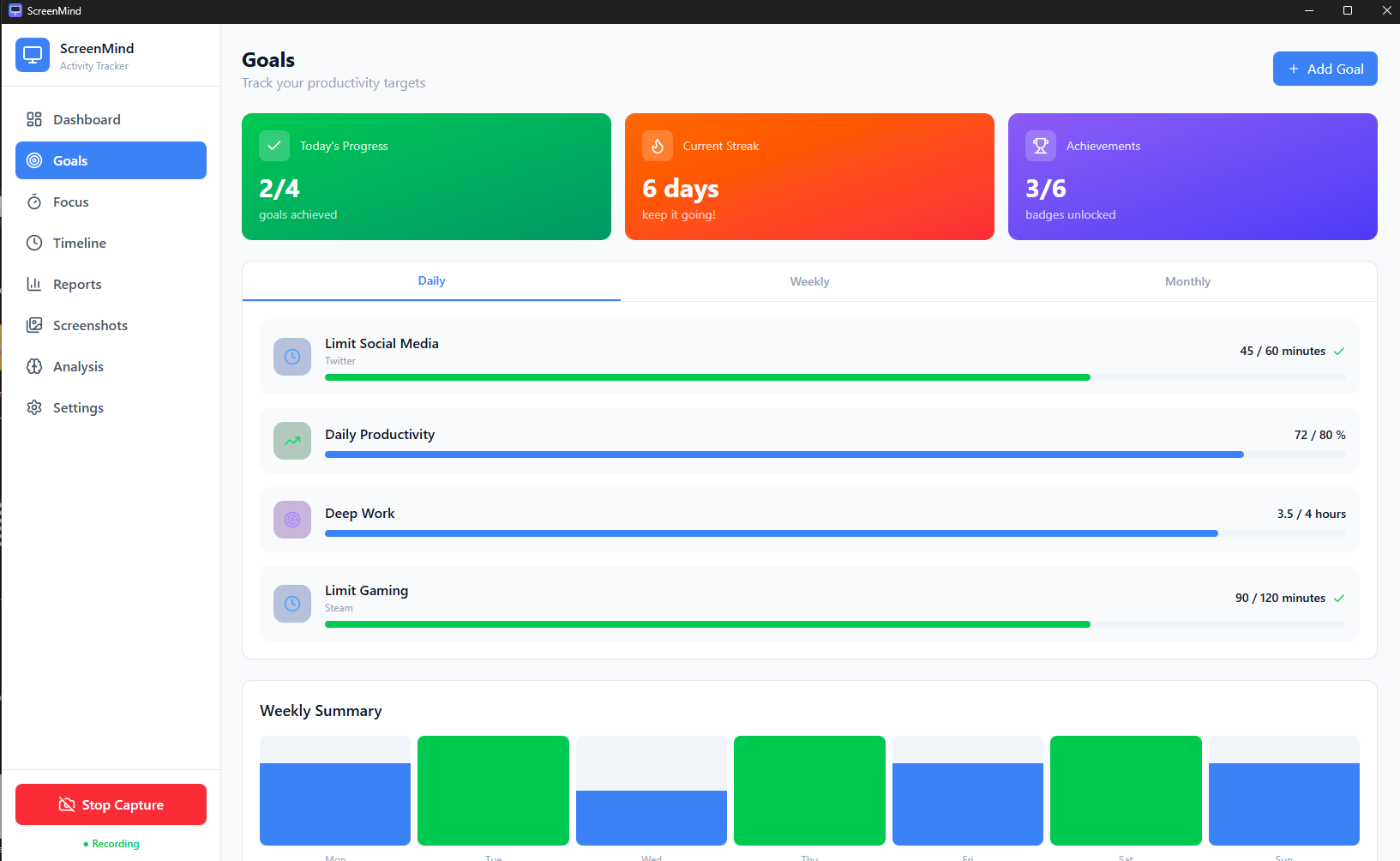
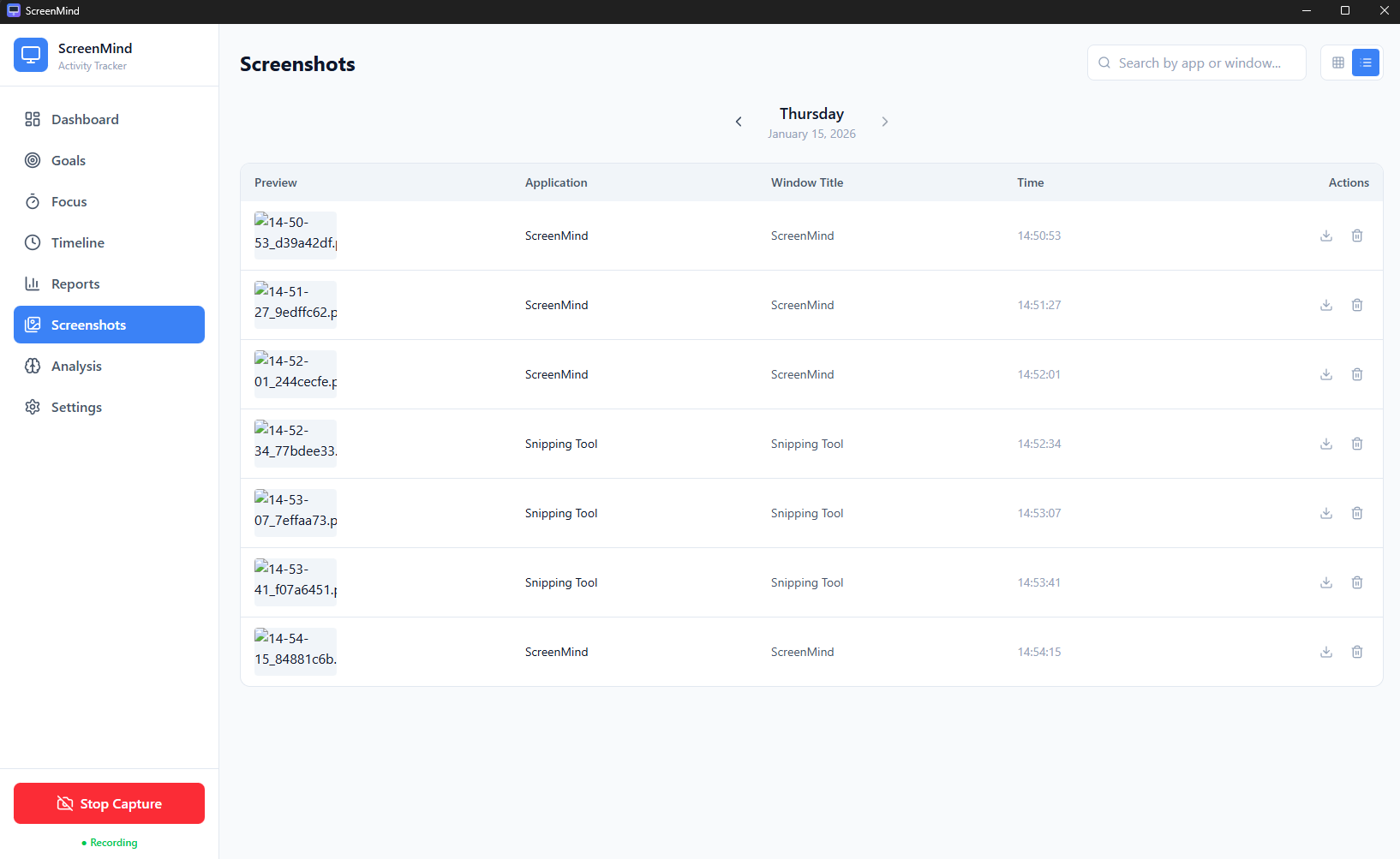
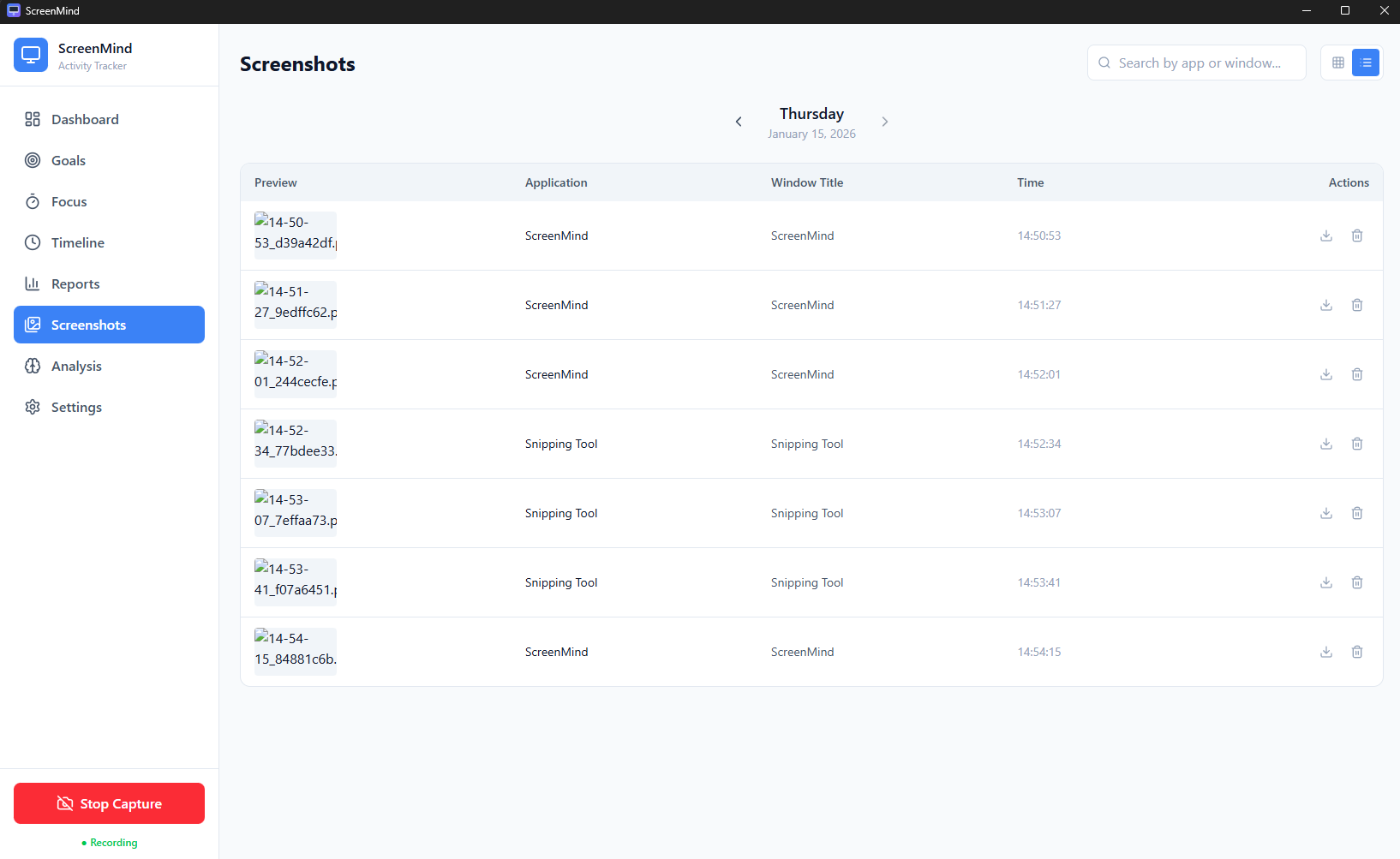
ScreenMind started simple: take a screenshot every 5 minutes and save it. That's it. Just evidence of what I was doing.
The Tech Stack
| Layer | Technology |
|---|---|
| Frontend | React 18, TypeScript, Tailwind CSS |
| Desktop | Tauri 2.0, Rust |
| LLM Integration | OpenAI, Anthropic, Gemini, Ollama |
| Database | SQLite (local) |
The first week of data was brutal.
I discovered I was spending 3+ hours daily on "communication" that produced nothing. I found myself opening Slack reflexively—sometimes twice in the same minute. I caught myself "researching" topics completely unrelated to my PhD or startup.
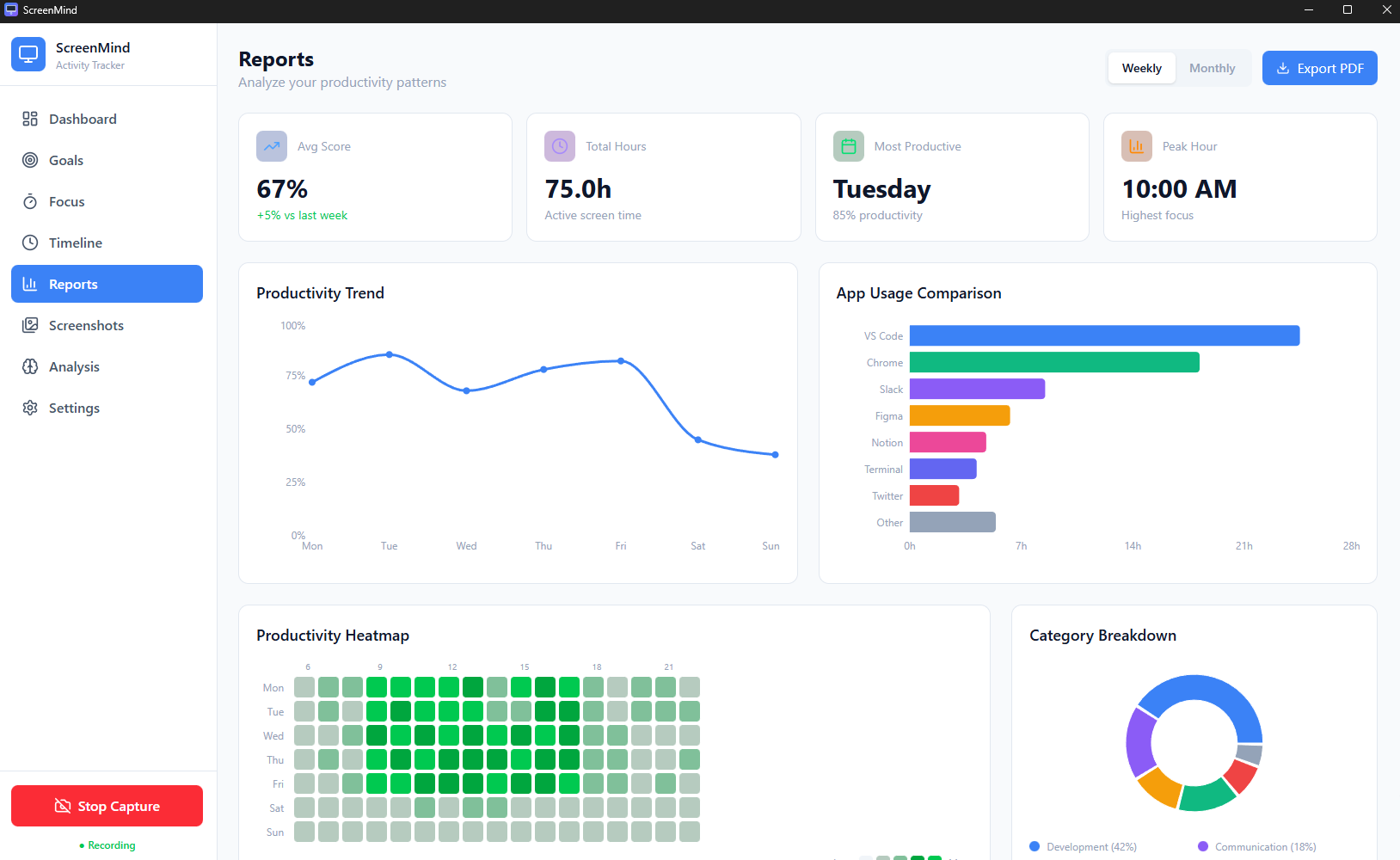
But I also discovered something beautiful: my best work happened in 90-minute blocks between 9-11 AM and 9-11 PM. Those windows were gold. Everything else was noise.
The AI Upgrade
Screenshots alone weren't enough. I needed understanding.
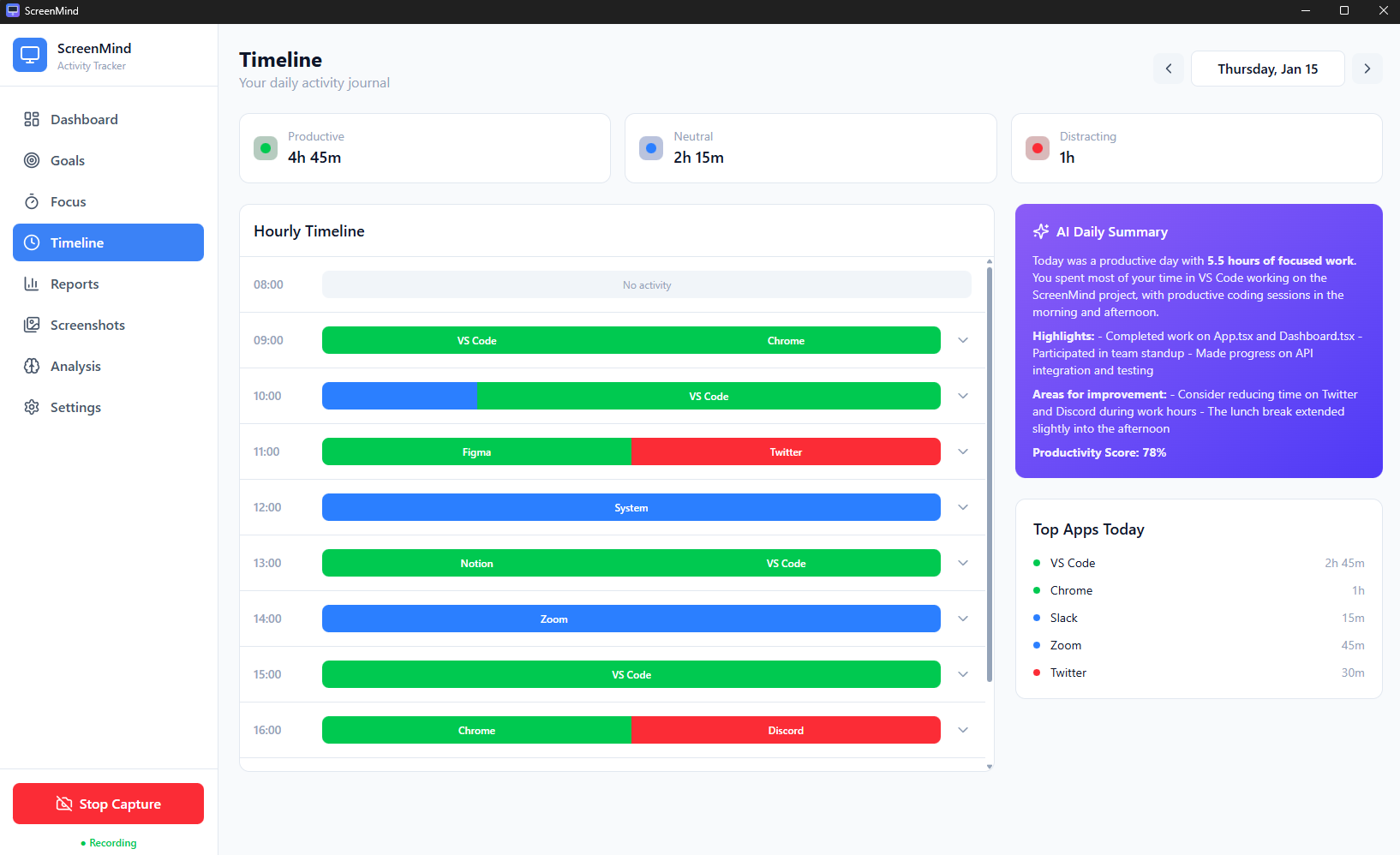
So I added GPT-4 Vision to analyze what I was actually doing. Not just "VSCode open" but "writing database migration for user authentication feature." Not just "Chrome" but "reading paper on transformer architectures for my literature review."
Then I added work block detection—grouping related screenshots into coherent sessions. Suddenly I could see:
9:15 - 10:45 AM: Deep Work
  └─ Writing Chapter 3 of thesis (Notion + Papers)
  └─ 4 screenshots, 0 context switches
  └─ Accomplishment: Completed methodology section draft

10:45 - 11:30 AM: Shallow Work
  └─ Slack + Email + GitHub notifications
  └─ 12 screenshots, 8 context switches
  └─ Accomplishment: ???

11:30 AM - 1:00 PM: Meetings
  └─ Zoom + Google Meet
  └─ 2 meetings, 0 follow-up tasks created
  └─ Accomplishment: "Alignment" (whatever that means)
The data told a story I couldn't argue with.
Key Features
🤖 Multi-LLM Support
Choose your AI provider: OpenAI, Anthropic, Google Gemini, xAI Grok, or run completely local with Ollama or LM Studio.
🔒 Privacy-First
All data stays on your device. Screenshots never leave your computer. Use local LLMs for 100% privacy.
⚡ Low Memory
~30MB idle, LLM loads on-demand only. Runs silently in the background.
🎯 Focus Mode
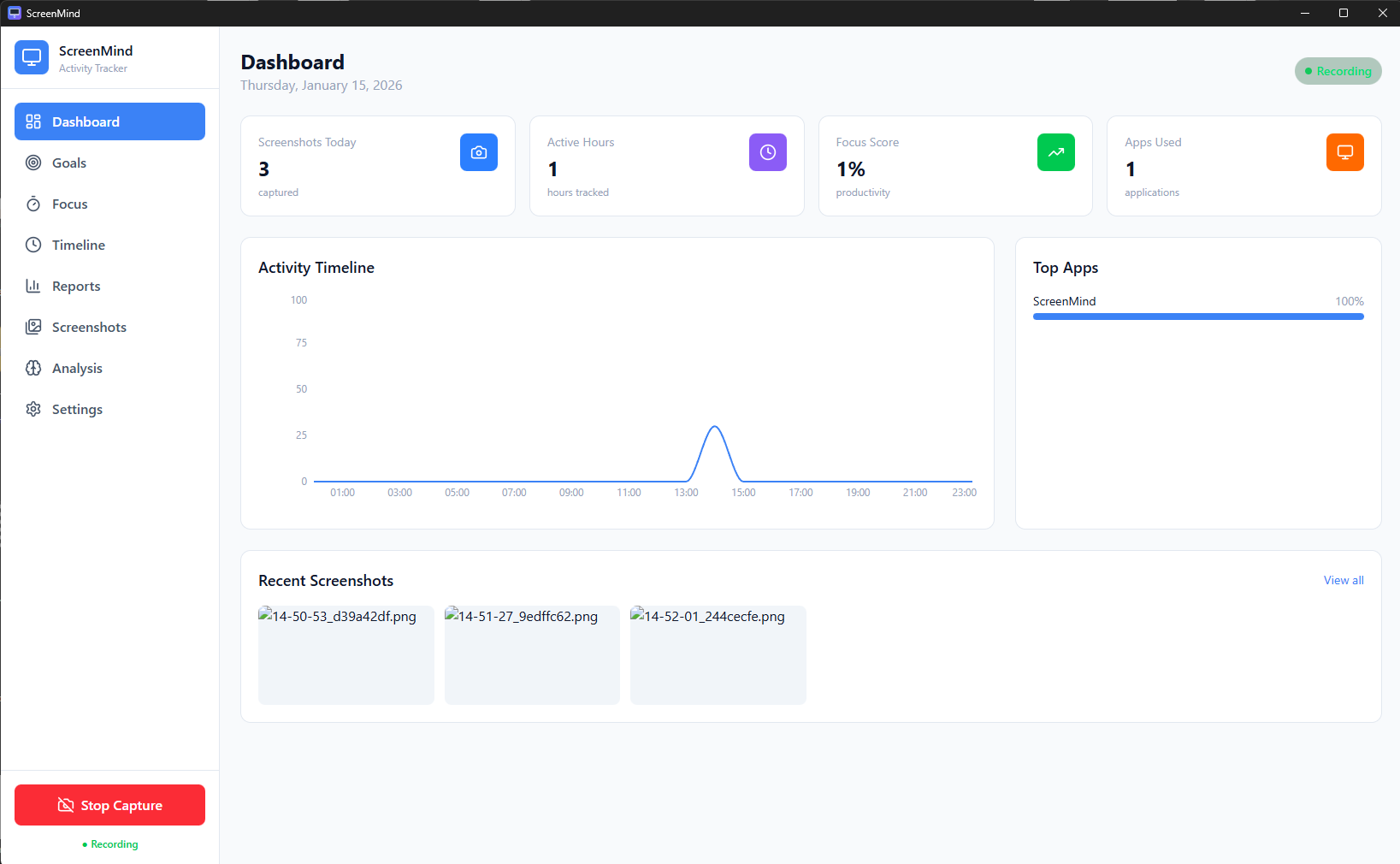
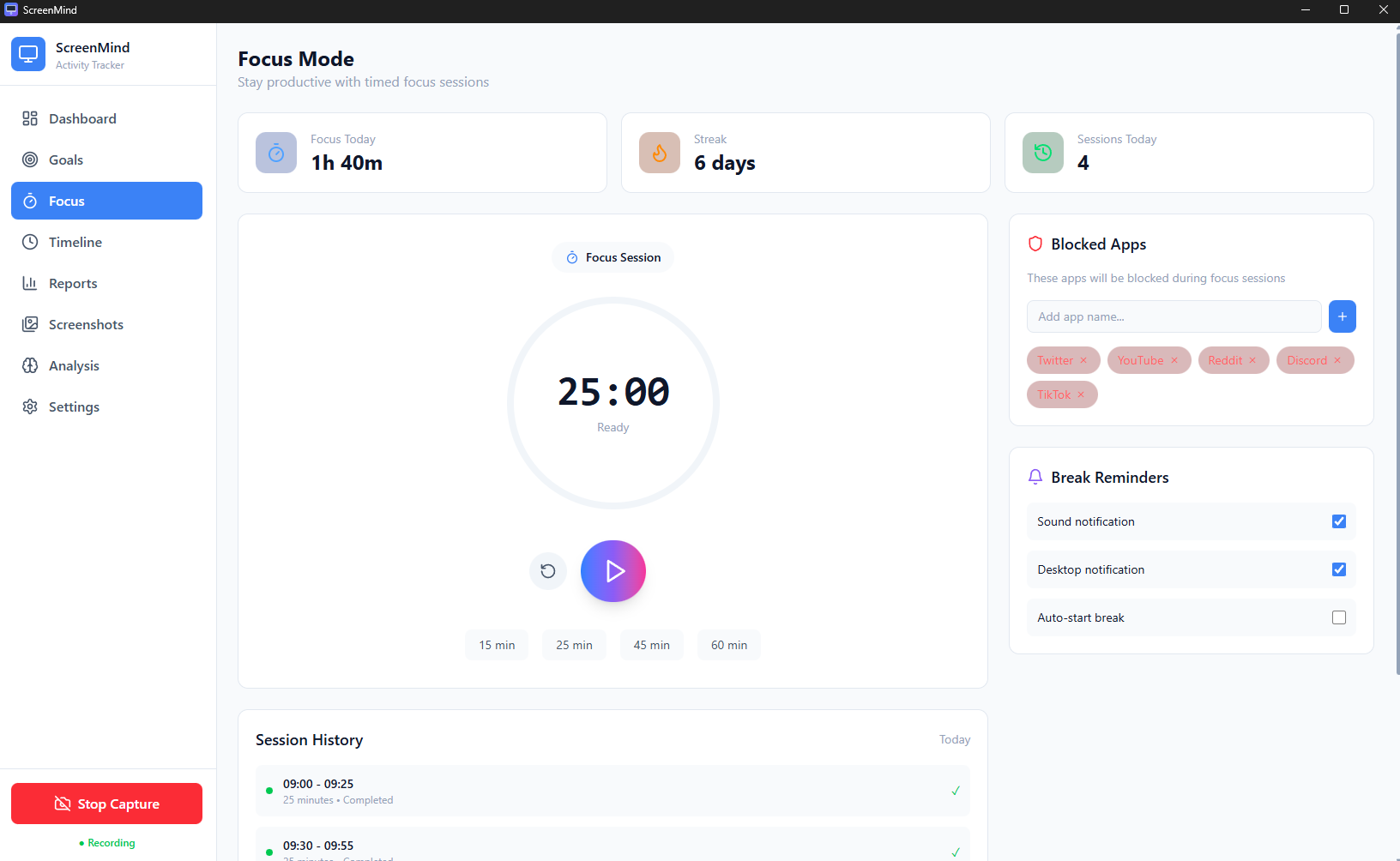
Pomodoro timer with app blocking. Block distracting sites during focus sessions.
📊 Smart Insights
AI-generated daily summaries, work block detection, productivity patterns.
What Changed For Me
1. I Protected My Golden Hours
Those 9-11 AM and PM windows? They're now sacred. No meetings. No Slack. Phone in another room. I batch all communication into two 30-minute blocks at noon and 6 PM.
Result: My PhD writing output tripled. Not because I worked more hours—because I worked better hours.
2. I Stopped Lying to Myself
"I worked all day" became "I worked 3 hours and context-switched for 6."
That honesty hurts. But it's the only way to improve.
3. I Reconciled My Two Lives
By tagging work blocks with "PhD" or "Startup," I could finally see the balance (or imbalance). Some weeks were 80% startup, 20% PhD. Others flipped. Now I consciously plan the ratio each week and check if reality matched intention.
4. I Built an Automatic Journal
Every evening, ScreenMind generates a summary:
Today's Work:
- Completed thesis Chapter 3 draft (2.5 hrs)
- Fixed authentication bug in Autohive (1.5 hrs)
- 3 customer calls (1.5 hrs)
>
Blockers:
- Waiting on advisor feedback
- CI pipeline failing (need to debug)
>
Tomorrow's Focus:
- Revise Chapter 3 based on feedback
- Ship auth fix to production
No more staring at a blank "what did I do today?" prompt. The evidence is already there.
The Uncomfortable Truth About Productivity
Here's what I learned building this:
Most productivity advice is wrong for people like me.
"Time blocking" assumes you control your schedule. PhD students don't—advisors, deadlines, and experiments do.
"Deep work" assumes you can disappear for hours. Founders can't—customers and fires happen.
"Work-life balance" assumes work and life are separate. When your research is your company, they're the same thing.
What actually works is awareness + adaptation:
- Know where your time goes (awareness)
- Adjust based on evidence, not feelings (adaptation)
ScreenMind gives me both.
Try It Yourself
ScreenMind is open source. If you want to track your own work patterns:
git clone https://github.com/GTamilSelvan07/ScreenMind
cd ScreenMind

# Start the desktop app (Windows/macOS/Linux)
cd desktop-app && npm install && npm run tauri dev
Download pre-built executables:
- Windows:
ScreenMind-setup.msi - macOS:
ScreenMind.dmg - Linux:
ScreenMind.AppImage
What's Next
I'm still building this. Still using it every day. Still discovering uncomfortable truths about my work habits.
Some features I'm adding:
- Focus coaching: Gentle nudges when I'm context-switching too much
- Calendar reconciliation: Did I actually do what I planned?
- Team insights: For small teams who want shared productivity awareness
If you're another PhD student drowning in startup chaos (or vice versa), know this: you're not lazy. You're just swimming without knowing which direction the shore is.
Build yourself a compass. Or use mine—it's open source.
Links:
Tamil is a PhD student at the University of Auckland and Founder/CTO of YNova. He builds tools to understand how humans and AI can work better together. Find him on Twitter or drowning in Slack notifications.